どれを選べばいいですかWhich one should I choose?
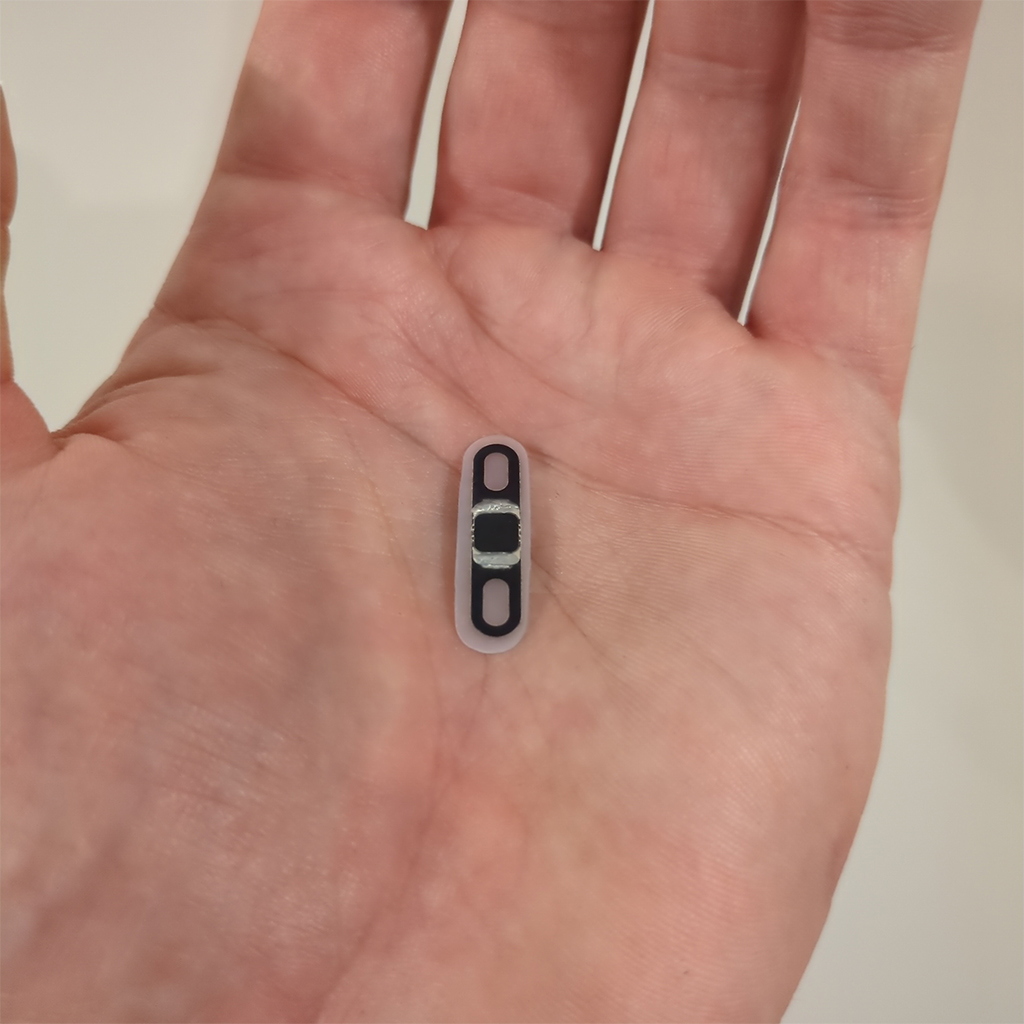
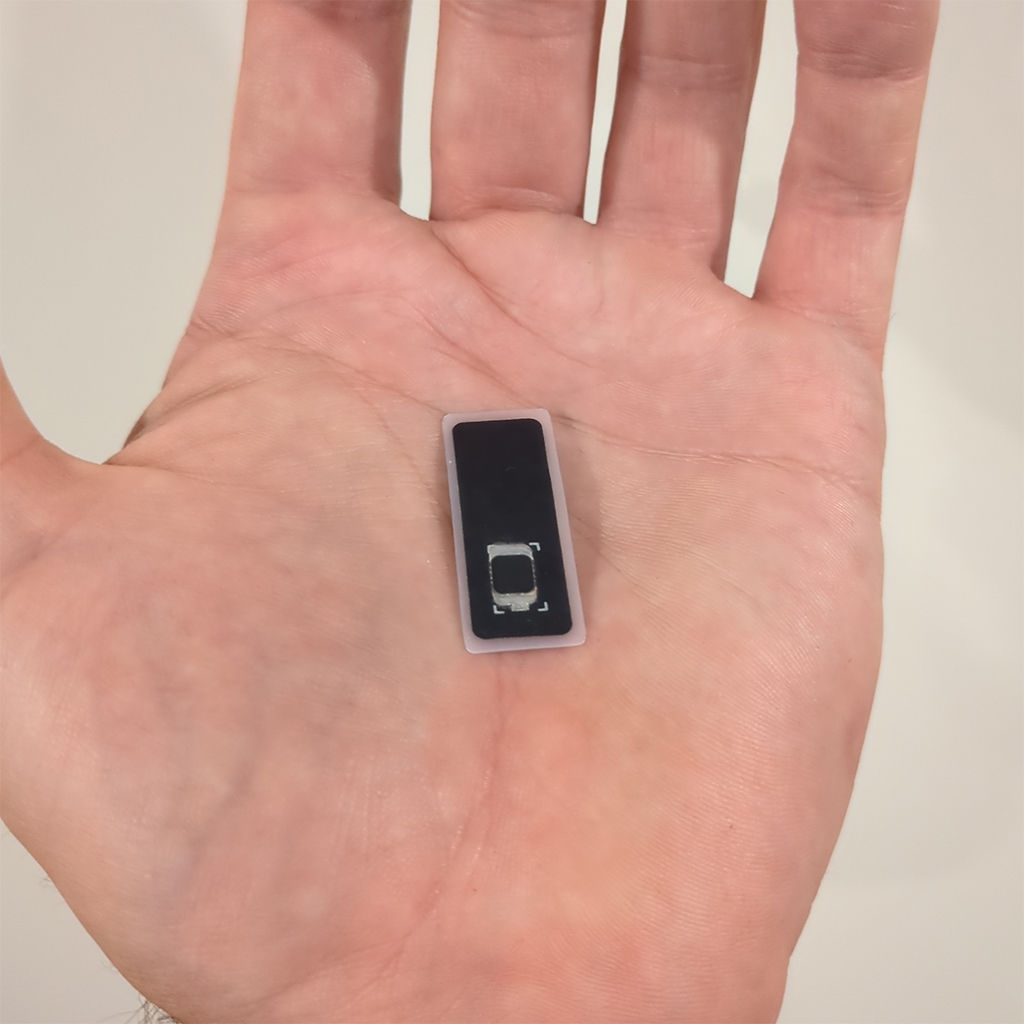
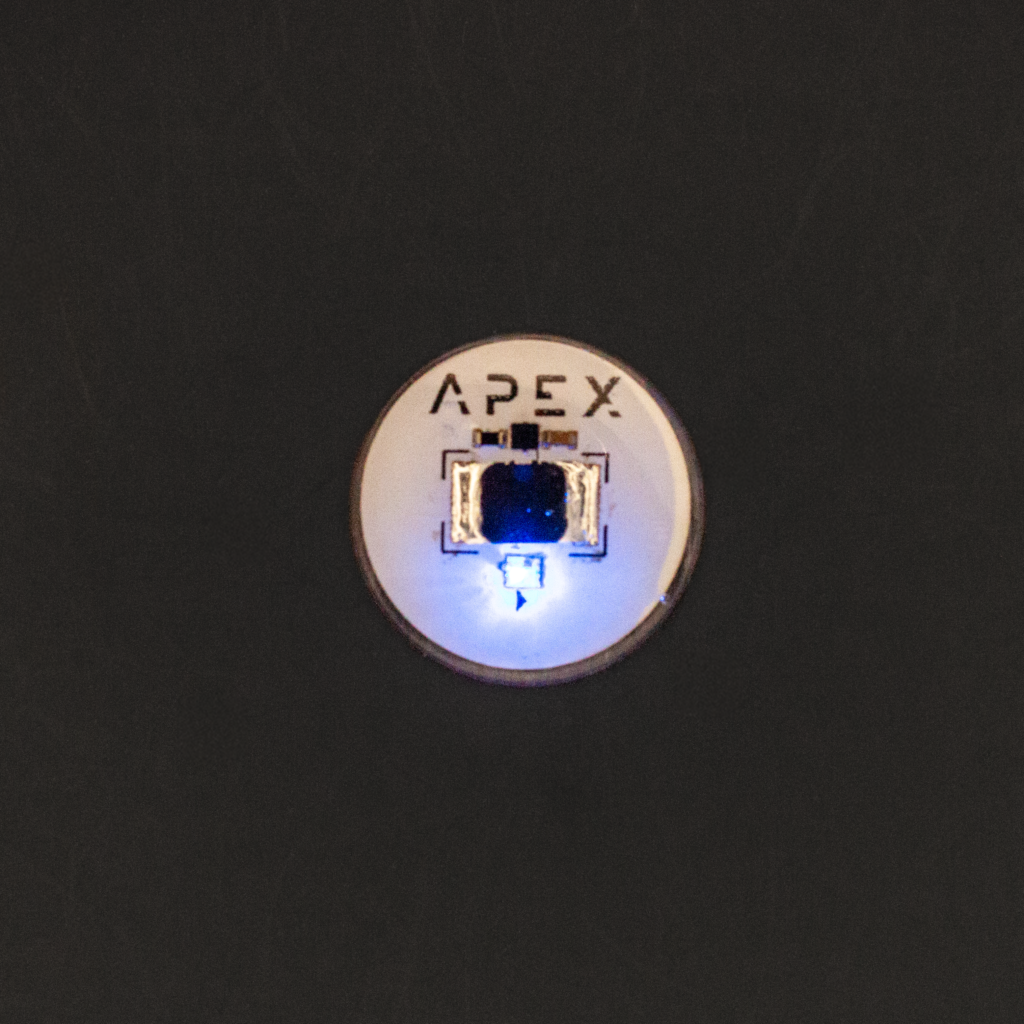
どのアンテナも中身は同じチップなので、選ぶのは読み取り距離と入れる場所です。iPhoneをお使いか、デジタル署名など時間のかかる処理をされるならModule。距離より薄さと場所の自由度を優先するならNarrow。光る演出が欲しいならSpectrum。ただし硬質で、製造元自身のベンチ試験ではアプレットの導入に繰り返し失敗したという結果が出ています。Every antenna carries the identical chip, so you are choosing range and placement. Module if you use an iPhone or expect long operations such as signing. Narrow if thinness and the widest choice of placement matter more than range. Spectrum if you want the light, knowing it is rigid and, in the manufacturer's own bench test, repeatedly failed to add an applet.
iPhoneでは何ができますかWhat works on an iPhone?
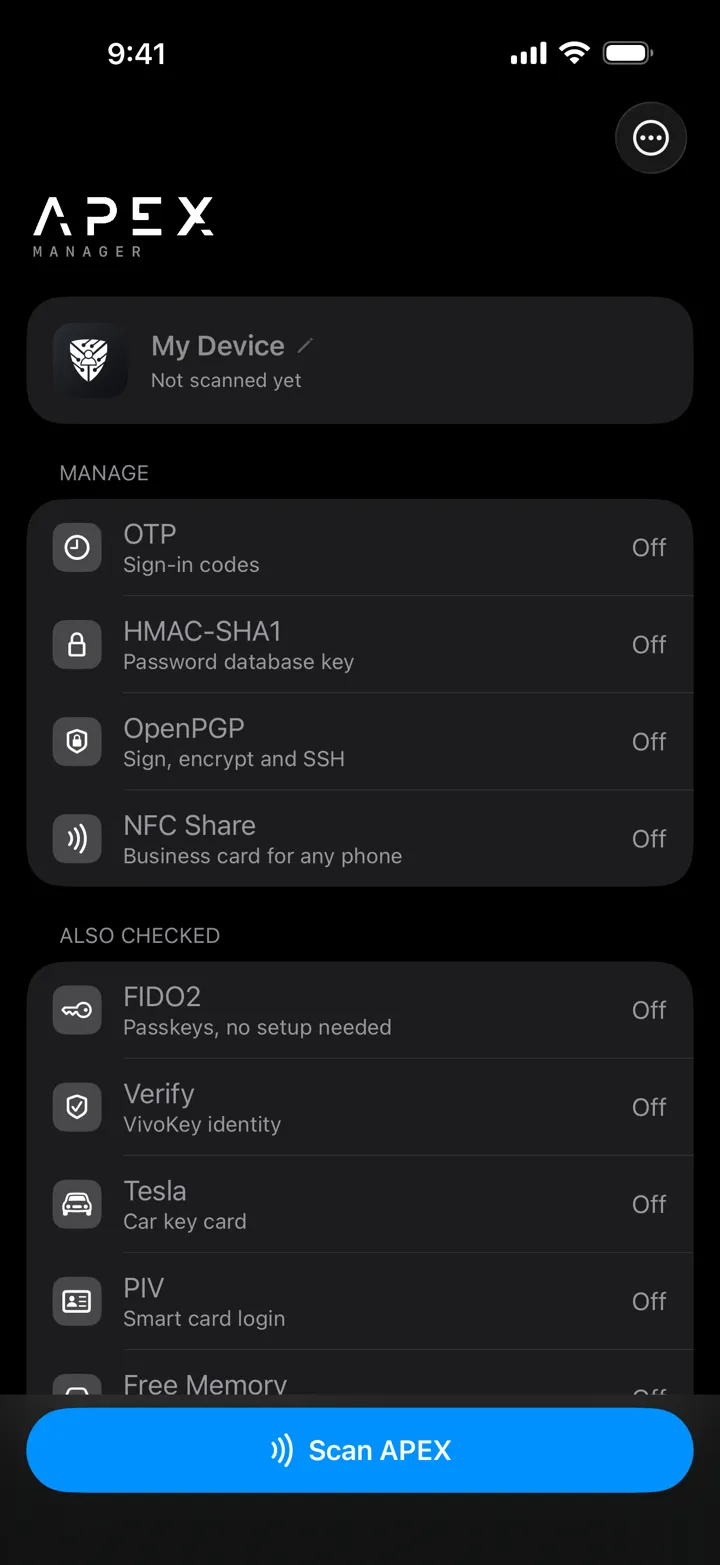
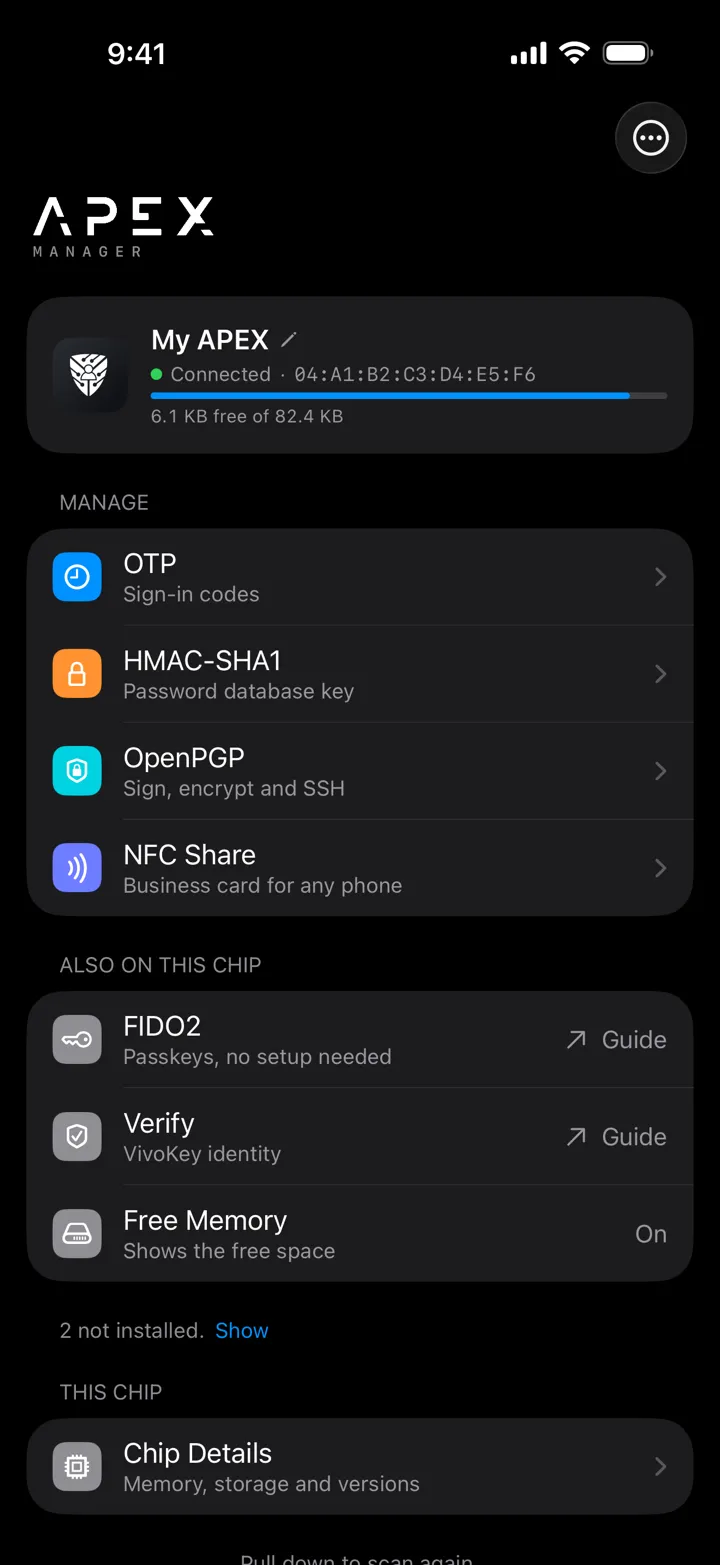
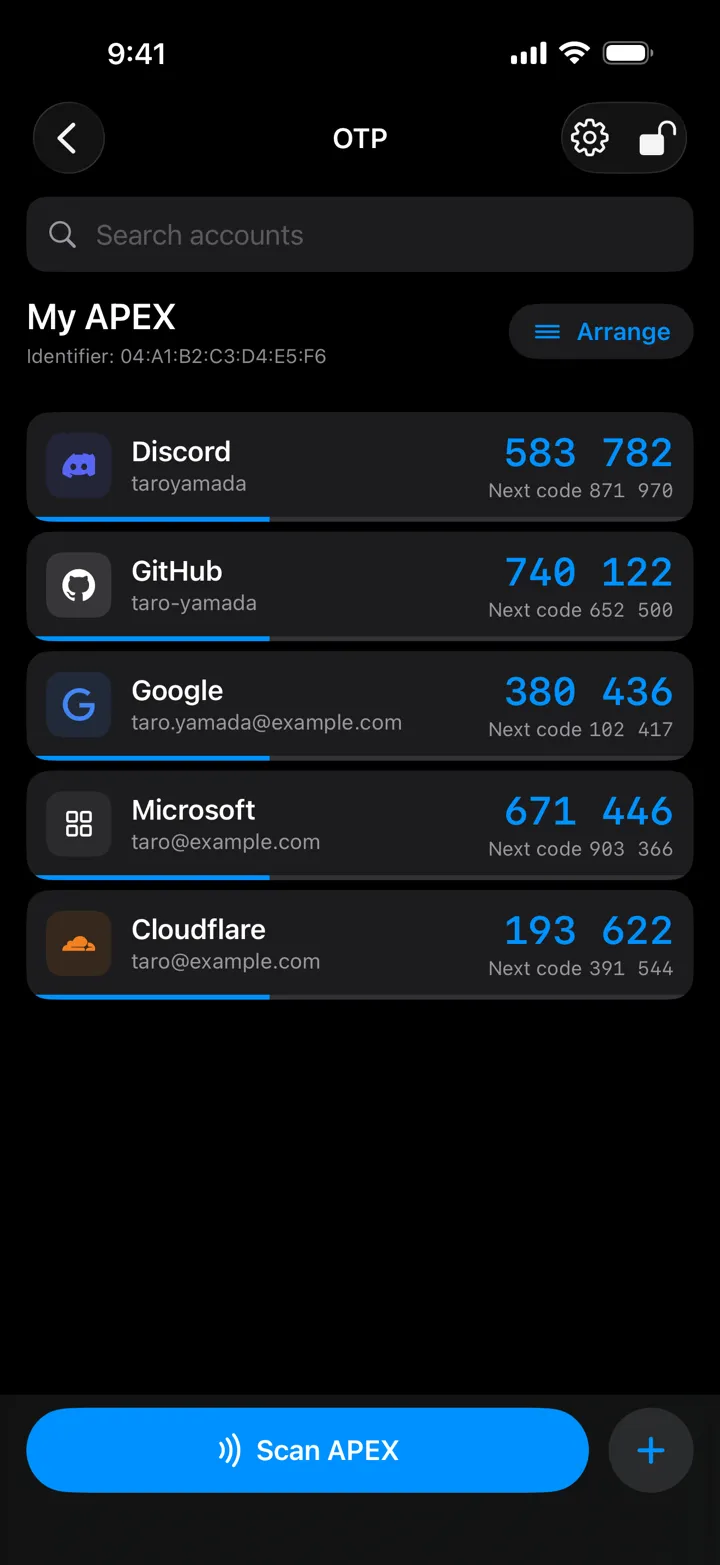
NFC Shareの読み取りとFIDO2のログインはiPhoneだけで動きます。OTPはYubico Authenticator経由で使えますが、不安定という報告があります。iPhoneからも、OTP、NFC Share、テスラのような小さなアプレットはFidesmoで導入できます。ただしFIDO2のような大きなものは、iOSがNFCの通信を約20秒で打ち切るため、途中で失敗することがあります。これらはAndroid端末(SIMなし、ご自身のものでなくても構いません)かデスクトップのリーダーから導入してください。入れたアプレットを管理するiOS版Apex Managerは、VivoKey JapanからApp Storeで近日公開します。細いNarrowをiPhoneで読むのは実際に難しいので、iPhoneが主な端末ならModuleをおすすめします。Reading an NFC Share and logging in with FIDO2 both work on an iPhone alone. OTP works through Yubico Authenticator, with some instability reported. From an iPhone, small applets such as OTP, NFC Share and Tesla can be added through Fidesmo, but large ones such as FIDO2 can fail, because iOS cuts an NFC session off at about 20 seconds; add those applets from an Android phone (borrowed is fine, no SIM needed) or a desktop reader. The iOS Apex Manager, which manages the applets you have added, is coming soon to the App Store from VivoKey Japan. Reading a Narrow with an iPhone is genuinely hard; if the iPhone is your main device, we suggest the Module.
Macでは何ができますかWhat works on a Mac?
USBのPC/SCリーダーがあれば、ほぼ何でもできます。macOSにはNFCがないため、ACR1252Uなどのリーダーが必要です。当社ではSafariでのFIDO2の登録とログインを確認しています。gpgでのPGP、Sparrow WalletでのSatochip、SeedKeeperもそれぞれ動作が報告されています。Macで登録した資格情報はiPhoneでもそのまま使えます。資格情報はチップの中にあり、インプラントと一緒に移動するからです。With a USB PC/SC reader, almost everything. macOS has no NFC, so a reader such as the ACR1252U is required. On our own bench, FIDO2 registration and login in Safari. PGP through gpg, Satochip through Sparrow Wallet and SeedKeeper are all reported working. A credential registered on the Mac then works on your iPhone, because it lives on the chip and travels with the implant.
家の鍵を開けられますかCan it unlock my door?
お使いの錠によります。当社のベンチでは、SESAME Touch ProにApex Moduleを登録して動作しました。SwitchBotのキーパッドは、付属のMIFARE Classicカードしか登録できず、Apexは登録できないという報告があります(Dangerous Thingsフォーラム、2024年)。多くの一般向けリーダーはMIFARE Classicの4バイトUIDしか受け付けず、Apexの7バイトUIDを登録できません。機種名を教えていただければ、分かる範囲でお答えします。あわせて正直に申し上げると、UIDで登録する錠は、原理的に複製できる番号であなたを識別しています。暗号認証による入退室には、チャレンジレスポンスを行う専用リーダーが必要で、製品ではなく開発案件になります。It depends on the lock. On our own bench an Apex Module registered and worked on a SESAME Touch Pro. Users have reported that the SwitchBot keypad only enrolls the MIFARE Classic cards it ships with, so an Apex cannot be registered (Dangerous Things forum, 2024). Many consumer readers only accept a 4 byte MIFARE Classic UID and cannot enroll the Apex's 7 byte UID. Tell us your model and we will answer what we can. And to be straight: a lock that enrolls by UID identifies you by a number that can be copied in principle. Cryptographic access control means a custom reader doing challenge-response, which is a development project rather than a product.
シードフレーズなどの機密情報を保管できますかCan it store secrets?
はい。SeedKeeperアプレットでシードフレーズなどの秘密を保管でき、Apexでの動作が確認されています。確実なのはAndroidかデスクトップのリーダーで、iOSクライアントは、保管した秘密を表示する手順で不安定という報告があります。文書そのものの保管には向きません。Apex本体の容量が約82 kBだからです。文書は暗号化して外部に保存し、それを開く鍵としてApexを使うのが正しい使い方です。Yes. The SeedKeeper applet stores secrets such as seed phrases, and it is confirmed working on the Apex. Android or a desktop reader is the reliable route; the iOS client is reported unstable at the reveal step. It is not for storing documents: the whole chip is about 82 kB. Keep the encrypted material outside and use the Apex as the key that opens it.
暗号資産の署名はできますかCan it sign crypto transactions?
はい。Satochipアプレットで署名でき、デスクトップのSparrow Walletでの動作が確認されています。Electrumは標準では動きません。モバイルはBitcoinKeeperで、iPhoneで確認できた方法はまだありません。ApexではSatochipの真正性証明書は読み込めず(機能に影響はなく、証明だけが使えません)、Satodimeは非対応です。Yes, with the Satochip applet, confirmed with Sparrow Wallet on desktop. Electrum does not work out of the box. On mobile the client is BitcoinKeeper, and there is no confirmed iPhone route. On the Apex, Satochip's originality certificate cannot be loaded (function is unaffected, attestation is not available), and Satodime is not supported.
文書を保護できますかCan it protect my documents?
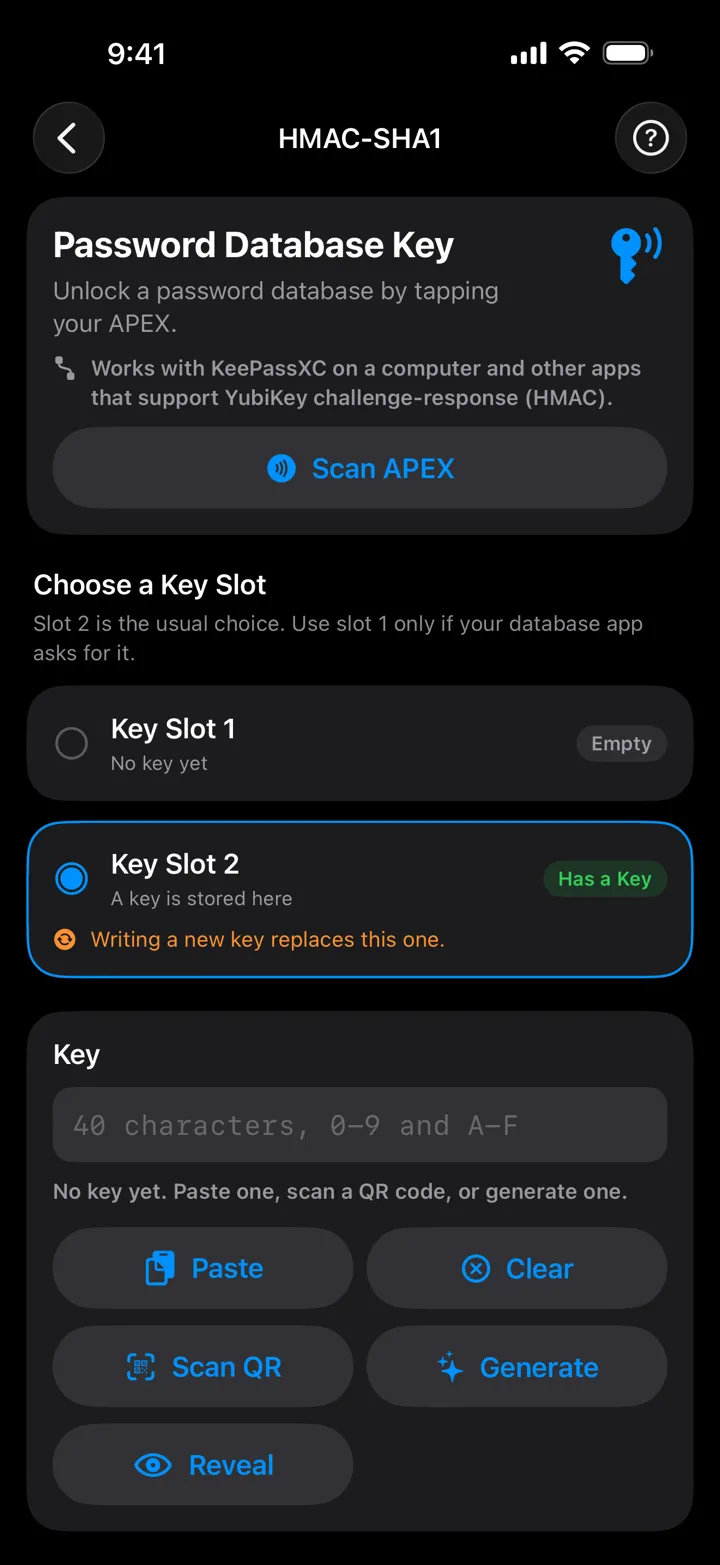
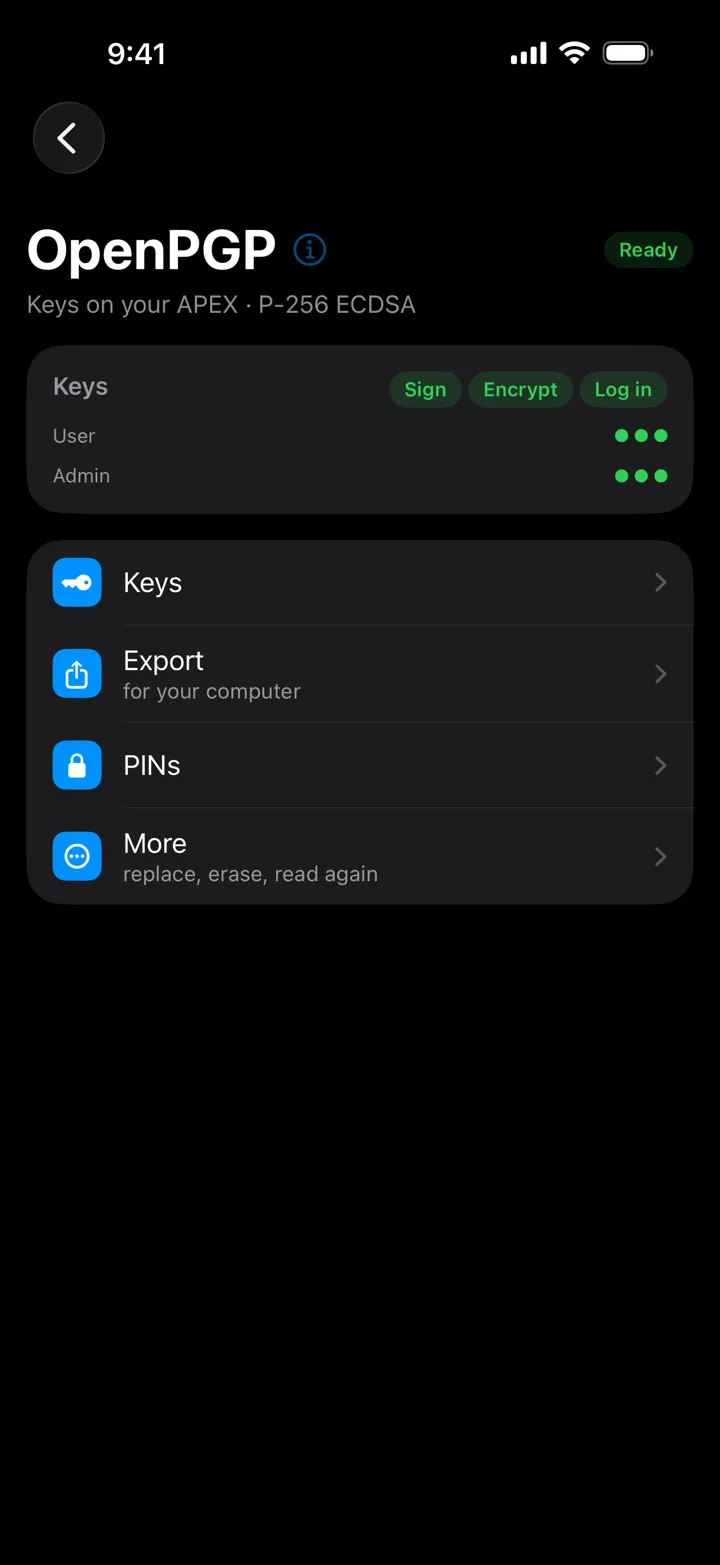
はい、2通りあります。ただし片方はiPhone単体では使えません。PGP(Android版またはデスクトップ。iPhoneは非対応):SmartPGPアプレットがOpenPGPカードとして動作します。鍵はチップ内で生成され取り出せず、復号にはインプラントをリーダーにかざす必要があります。パスワード管理ソフト:HMAC-SHA1アプレットをKeePassXCの第2要素にできます。データベースはKDBX 4形式が必要で、iPhoneではStrongboxでの動作報告があります。Yes, two routes, and one of them needs a non iPhone device. PGP (Android or desktop, not iPhone): the SmartPGP applet behaves as an OpenPGP card, keys are made on the chip and cannot be extracted, and decryption needs the implant on the reader. A password manager: the HMAC-SHA1 applet works as a KeePassXC second factor; the database must be KDBX 4, and on iPhone Strongbox is reported working.
アプレットは全部同時に入りますかWill all the applets fit at once?
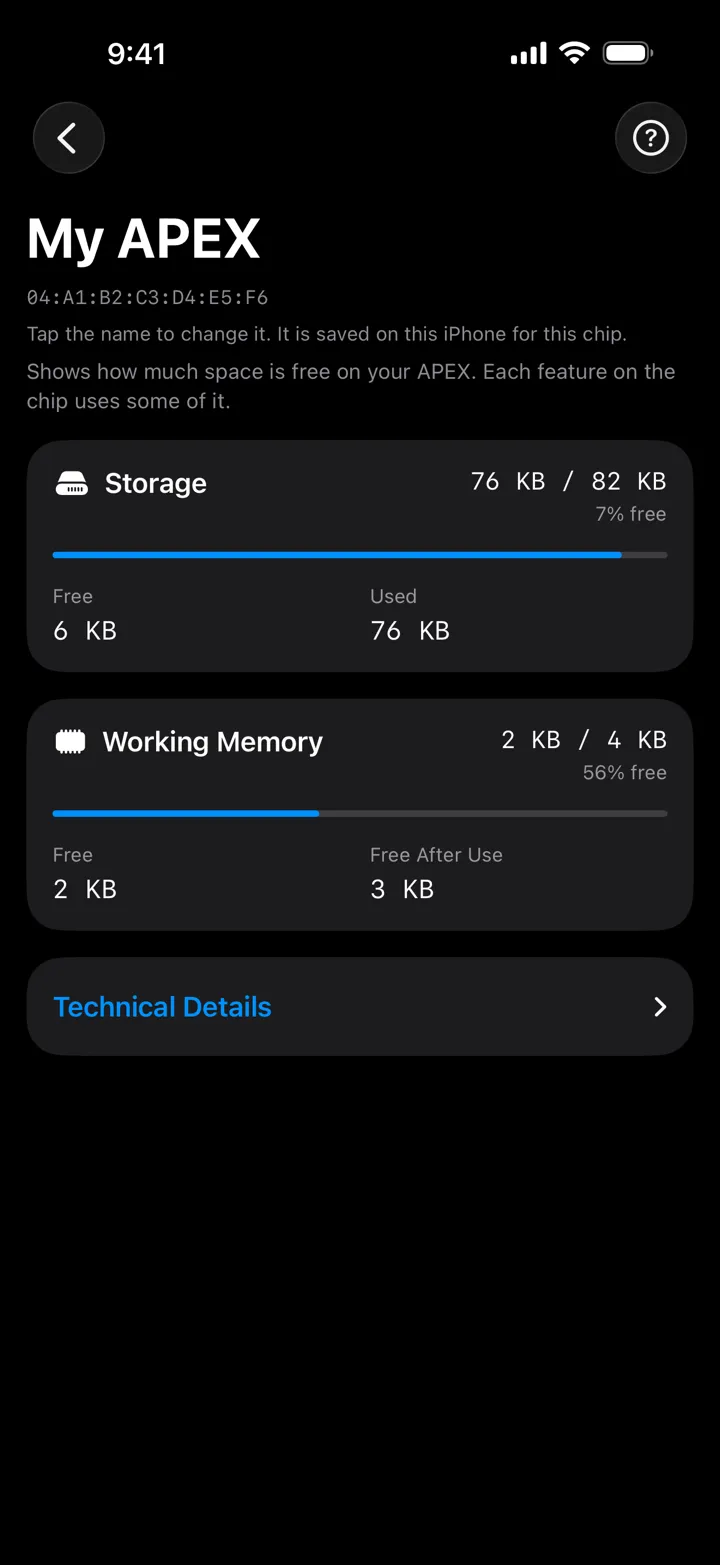
入るとは限りません。Apexの容量は約82 kBで、アプレットは保存領域と実行時RAMの両方を使うため、どちらかが先に尽きます。組み合わせは、上の「入るかどうか試す」でお試しいただけます。あとから追加や削除ができるので、優先順位をお聞かせいただければ、上から順に構成をご提案します。アプレットを削除すると中のデータも消えるため、シードは別途バックアップしてください。Not necessarily. The Apex has about 82 kB, and each applet needs both storage and transient RAM, so either can run out first. Will it fit? above lets you try a combination. Applets can be added and removed later, so tell us your priority order and we propose a configuration from the top down. Deleting an applet deletes its data, so back up seeds separately.
Narrowを選ぶと何をあきらめることになりますかWhat do I give up by choosing the Narrow?
あきらめる機能はありません。どのアンテナも同じチップだからです。あきらめるのは読み取り距離です。公開されているベンチ試験では、手に持った状態でNarrowは約1cm、Moduleの4割ほどで、皮下ではどの数値も短くなります。効いてくるのは時間のかかる処理のときで、アプレットの導入には数十秒かかり、途中で切れると最初からやり直しです。そのかわりに得られるのが、0.4mmの薄さと入れる場所の自由度です。No capability, because every antenna carries the identical chip. You give up read range. In a published bench test the Narrow read at about 1 cm in the hand, roughly 40% of the Module, and under the skin every figure gets shorter. That matters for long operations: adding an applet takes tens of seconds and a dropped session starts over. In exchange you get 0.4 mm thickness and the widest choice of placement.